Tutorials
Five executed notebooks, one per stage of the SMINT workflow. Each runs on small data that ships with the repository — a synthetic dataset whose true answer is known, then a de-identified crop of real data — and every output on these pages is the stored result of running the notebook top to bottom.
flowchart LR
    S[Whole-slide image] --> T1[1. Segment a whole slide]
    T1 --> T4[4. Distributed segmentation]
    T1 -- nuclei --> T2[2. Same-section registration]
    X[Xenium cells] --> T2
    M[MALDI pixels] --> T3[3. Sequential-section registration]
    X --> T3
T3 --> T5[5. One table per cell]-
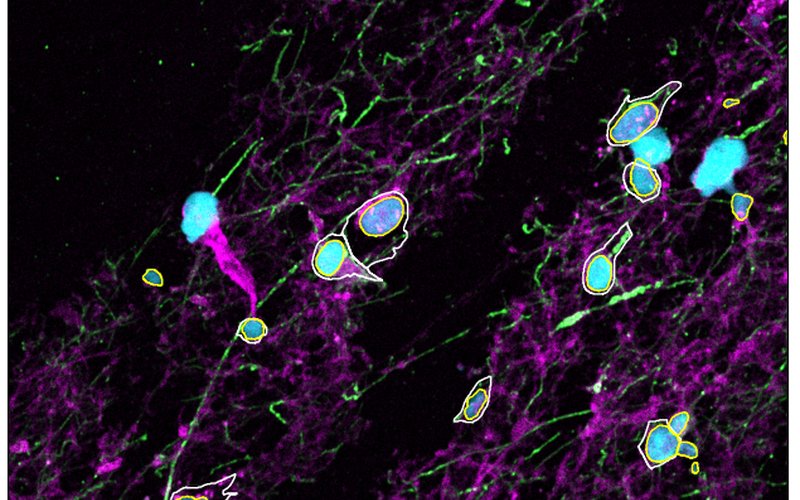
Chunked cell and nucleus segmentation with
process_large_imageon a synthetic image and a 3-channel Sample 3 crop; what the outline CSVs hold.~1 min, 8 CPU cores · Cellpose 3
-
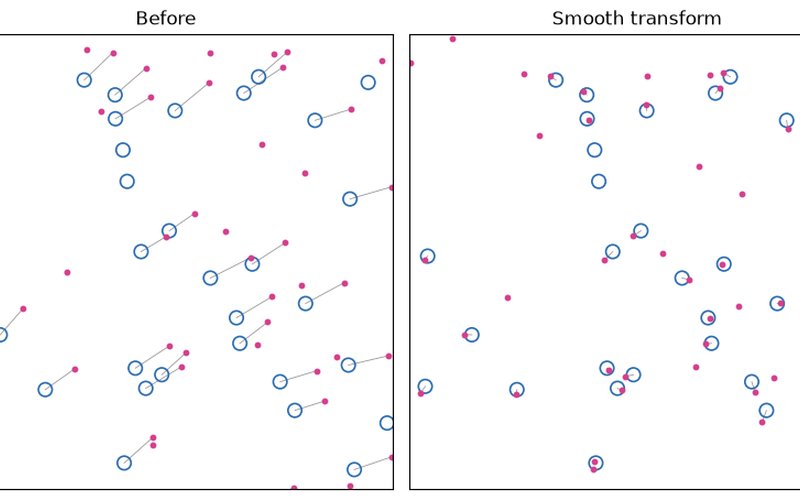
register_centroids(multiround) andrefine_by_assignment: rounds log, held-out checks, statuses andneighbour_deviation, scored against the truth.< 1 min, CPU · SMINT only
-
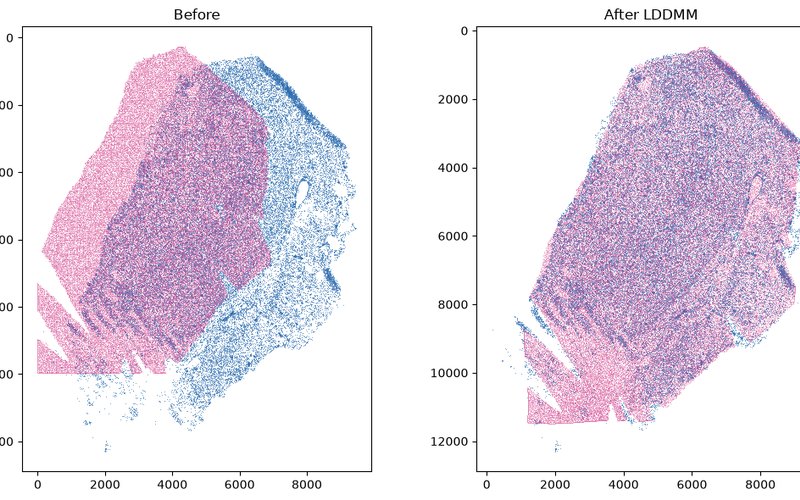
3. Sequential-section registration
Orientation search, landmarks and STalign LDDMM for spatial metabolomics onto spatial transcriptomics; synthetic pair and Sample 2.
~20 s per registration, one GPU · STalign (
numpy<2) -
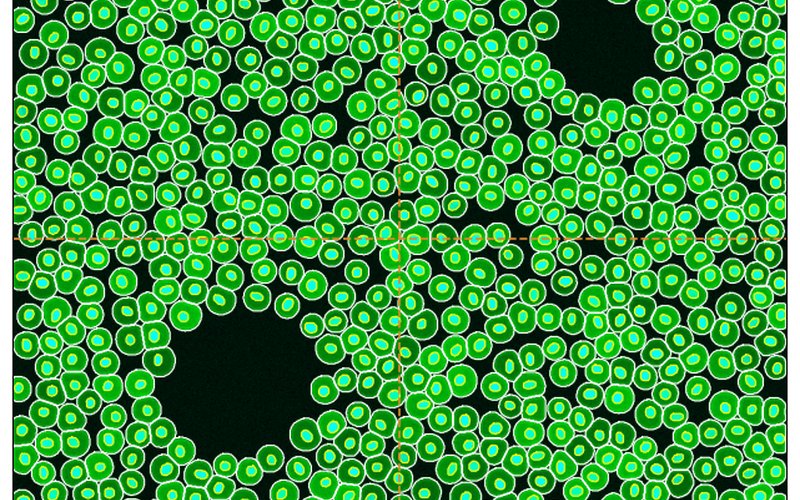
4. Distributed segmentation on SLURM
run_distributed_segmentationon local workers: tiles, overlap, the stitching log and outputs; the same call on SLURM GPUs.~1 min, 8 CPU cores · Cellpose 3,
smint[distributed] -
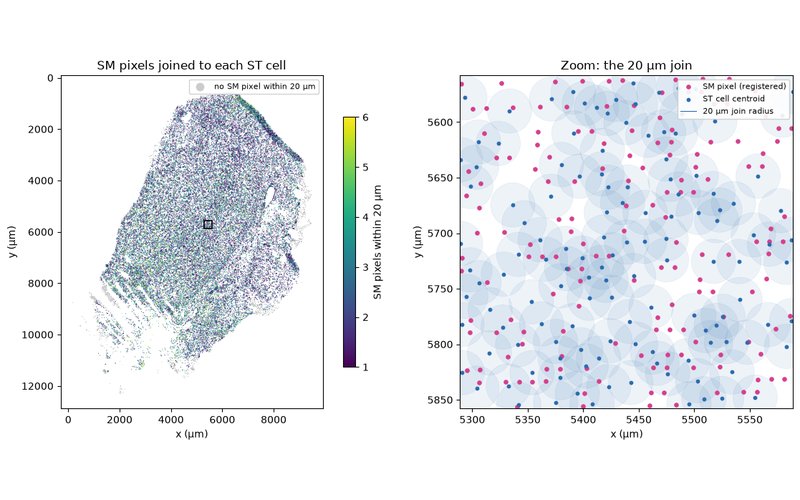
5. From registered tables to one per-cell table
Join registered SM pixels to every ST cell within 20 µm, as the R template does, and build one table with a row per cell; Sample 2.
seconds, CPU · SMINT only (needs Tutorial 3's output)
Then see the worked examples on real data: the same steps on full-size sections, with the commands, logs and timings of those runs.
Run them yourself
Each notebook page links its .ipynb file in the introduction. To run one locally:
git clone https://github.com/JurgenKriel/SMINT.git
cd SMINT
pip install -e ".[distributed]" "cellpose<4" jupyterlab
python examples/make_tutorial_data.py      # optional: the data is already in docs/tutorials/data
cd docs/tutorials
jupyter lab
Notebooks read their inputs from data/ relative to docs/tutorials/, and
write their outputs next to themselves. Tutorial 3 needs an environment with
STalign, which requires numpy<2 and PyTorch — see
Installation; run it on a GPU node if you can.
The tutorial data
| File | What it is | Used in |
|---|---|---|
synthetic_wsi.ome.tif, synthetic_wsi_truth.csv |
1024 × 1024 px, 2 channels (nuclei, cytoplasm), 753 known cells | 1, 4 |
synthetic_cells.csv, synthetic_nuclei.csv, synthetic_same_section_truth.csv |
4,000 cells and 4,601 nuclei with a known offset, rotation, scale and warp | 2 |
synthetic_st.csv, synthetic_sm.csv, synthetic_*_points.npy, synthetic_sm_truth.csv |
ST cells and an SM pixel grid of one tissue shape, with 8 landmark pairs and the true position of every SM pixel | 3 |
sample3_crop.ome.tif |
Sample 3: a 2048 px region downsampled to 1024 × 1024 px; nuclei, GFAP, phalloidin | 1 |
sample2_xenium_z5_crop.csv, sample2_nuclei_z5_crop.csv |
Sample 2, section z5: Xenium cells and post-stain nuclei in a 1.5 mm × 1.5 mm window, re-origined | 2 |
sample2_st_z2.csv, sample2_sm_sectionB.csv, sample2_*_landmarks.npy |
Sample 2: Xenium section Z2 cells, a random quarter of MALDI section B pixels (coordinates only), 11 landmark pairs | 3, 5 |
The synthetic files come from
examples/make_tutorial_data.py,
which documents exactly how each was made. The real crops hold coordinates and
image intensities only — no identifiers, gene counts or m/z intensities.