SMINT
Spatial Multi-Omics Integration Toolkit. SMINT segments cells and nuclei across whole-slide images, then brings spatial transcriptomics, spatial metabolomics and post-stain imaging into one coordinate system — interactively in napari, from the command line, or as SLURM jobs on a GPU cluster.
To run the quick start and tutorials, clone the repository instead: they use the example data in the checkout (see Quick start).
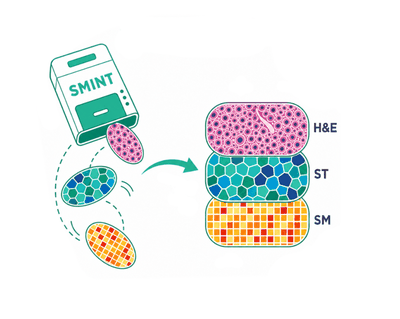
The workflow
flowchart LR
    A[Whole-slide image<br/>OME-TIFF / OME-Zarr] --> B[Segment cells & nuclei<br/>Cellpose 3/4, one GPU or many]
    B --> C[Stitch tiles<br/>reconcile cells & nuclei]
    C --> D{Same section<br/>as the Xenium run?}
    D -- yes --> E[Centroid registration<br/>multiround + snapping]
    D -- no --> F[Pre-register, landmarks<br/>STalign LDDMM]
    E --> G[One coordinate system:<br/>cells, transcripts, metabolites]
    F --> G
    G --> H[Integrate per cell<br/>transcripts + metabolites]
See The SMINT workflow for each step, and Choosing a registration method for the branch in the middle. The last step, one table with a row per cell, is shown in Tutorial 5 and, in R, in R integration.
Where to go next
-
Getting started
Install SMINT and run a registration and a segmentation on example data in ten minutes.
-
Tutorials
Executed notebooks with every output shown: segmentation, same-section and sequential registration, distributed runs on SLURM.
-
User guide
How SMINT works: the workflow, coordinate frames, tiling and stitching, and how to choose a registration method.
-
napari plugin
Load datasets, pre-register by eye, place landmarks and launch registration jobs without leaving the viewer.
-
Reference
Command-line options, input and output formats, configuration keys and the Python API.
-
Running on HPC
Submit segmentation and registration to SLURM, on CPU or GPU, from Python, the command line or napari.
What it looks like
-
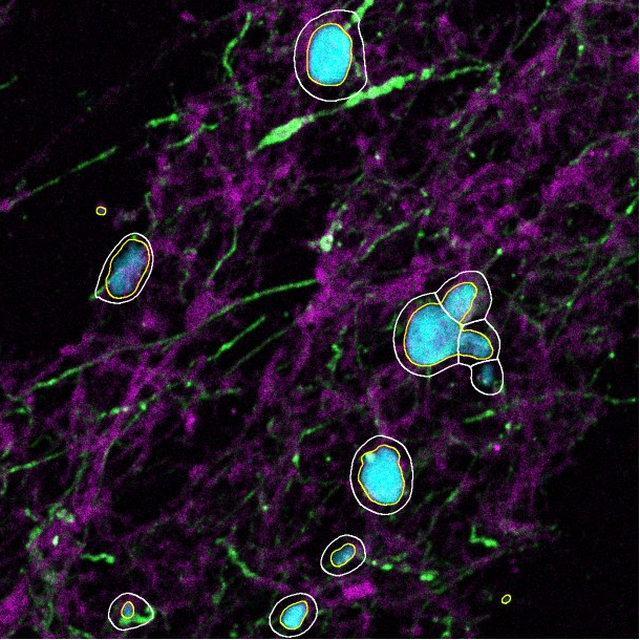
Segment cells and nuclei
Cells (white) and nuclei (yellow) on nuclei, GFAP and phalloidin.
-
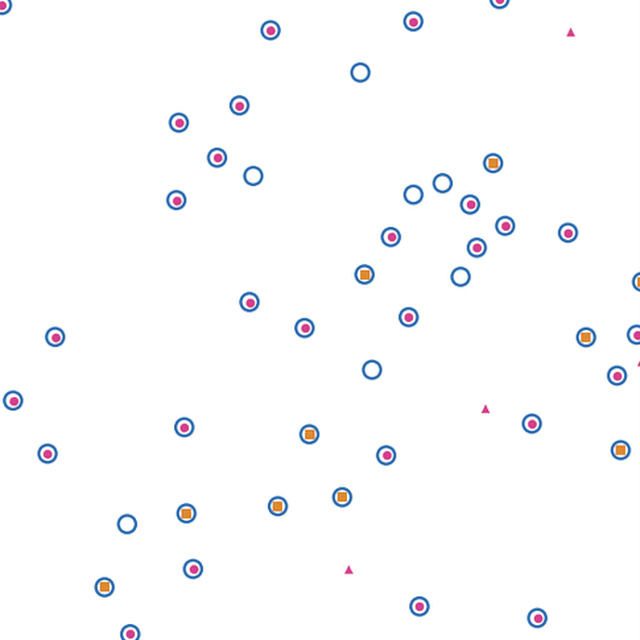
Register the same section
Post-stain nuclei (pink) placed onto Xenium cells (blue rings).
-
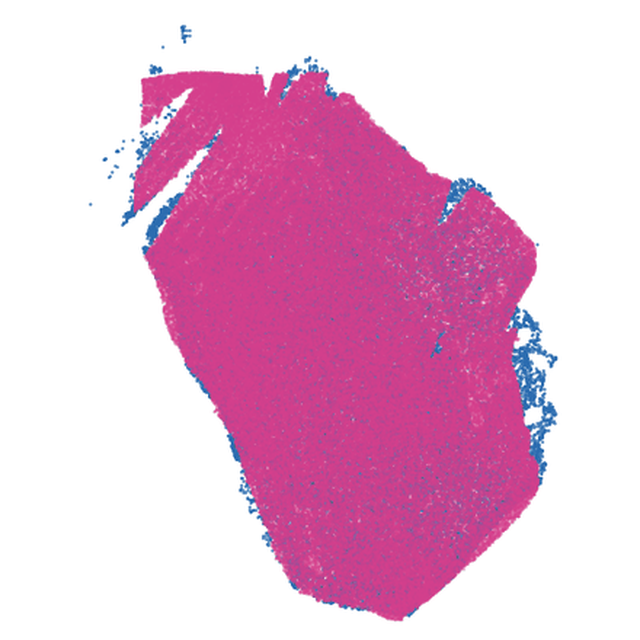
Register a neighbouring section
MALDI metabolomics (pink) on Xenium cells (blue) after STalign LDDMM.
The full before-and-after figures are in the Gallery.
Citation
SMINT is described in Kriel et al., Cell Reports Methods (2026). If you use it in your research, please cite the paper.